
Android 5.1, Lollipop rolls for the Xperia Z3 and Xperia Z2 Series


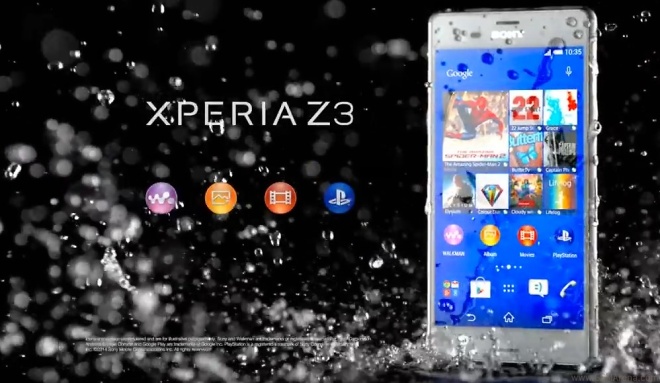
Android 5.1, Lollipop upgrade from today for Xperia Z3Xperia Z3 Compact,Xperia Z3 Tablet CompactXperia Z2 and Xperia Z2 Tablet*.

After blending Google’s latest Lollipop release with our Sony software, some of our favourite goodies include;
Increased customisation options – so you have even more control over the way volume, silent modes and your alerts function
Brand new LinkedIn integration – be more productive with intuitive contact synchronisation in your Calendar
Camera improvements – with faster, more accurate Superior Auto Mode focus for great images, regardless of conditions
Enhanced enterprise support – with our latest Xperia in Business features for work
SmartWear integration – selfie snapping made that bit easier, with SmartWatch 3 as a remote shutter button

Xperia Z1, Xperia Z1 Compact and Xperia Z Ultra are next up, starting over the coming weeks – followed shortly thereafter by Xperia T2 Ultra and Xperia C3, then the original Xperia Z Series… with Xperia M2 and Xperia M2 Aqua after that.


Comments

Popular posts from this blog

Create Your Own Mobile App Free Without Coding

If you want to make your own app for your business or to make money online, but you don’t have the coding skills, then even mobile app development is now not a nightmare. Believe it, you have no need to be an expert of HTML 5, iOS SDK, Java and many other programming and scripting languages to build your own mobile app. Here list of free website for creating online iPhone,Android,blackberry & Windows App (1) AppsGeyser (2) AppyPie (3) IBulidApp (4) AppMakr (5) Buildfire (6) Appyet

How to install Android M developer preview 2 on your Nexus 5, Nexus 6 or Nexus 9

After being released at Google I/O 2015 in late May, the Android M Developer Preview has just seen the first of three planned updates prior to its final release. In this tutorial we'll show you how to install Android M Developer Preview 2 on your Nexus 5, Nexus 6, Nexus 9 or Nexus Player. Everything you need to know about   Android  When will I get Android M? How to get the Android M developer preview 2 If you want to know how to flash Android M, it couldn't be simpler. The Android M preview works just like any other Nexus factory image - simply download the file and flash it. Prerequisites Your phone must  be rooted Backup your app data with Titanium Backup   Download ADB Tools and unpack the zip file Download Android M preview for your Nexus( StephanMC-Android-M-Preview-2-hammerhead.zip ) An unlocked bootloader USB Debugging enabled Drivers installed on your computer How to install Boot in recovery (TWRP) Wipe only Data, System, Cache, Dalvik-...

Access blocked website

Accessing websites sometimes you may face problems. You may face errors such as ‘ this webpage is not available ’ or ‘this website/url has been blocked ’, all such messages are really annoying. But if you still want to access theses website from your current IP, the best way to access a blocked website is by using a proxy sites or proxy server. Proxy sites can open blocked or restricted website which are not accessible via colleges proxy, schools proxy, government offices, IP restricted etc. HideYourIP Proxy services create a virtual private network that encrypts data as it travels between your PC and the proxy servers. While you do this, you keep your IP address anonymous and also protect your data or info, as it cannot be traced back directly to you. Proxy services act as an intermediary between you and the rest of the internet, using their servers to send your information to the web and then sending the response back to you.